
- Compatible XF 2.x versions
- 2.3
Description:
Allows page access only to countries specified in options page.
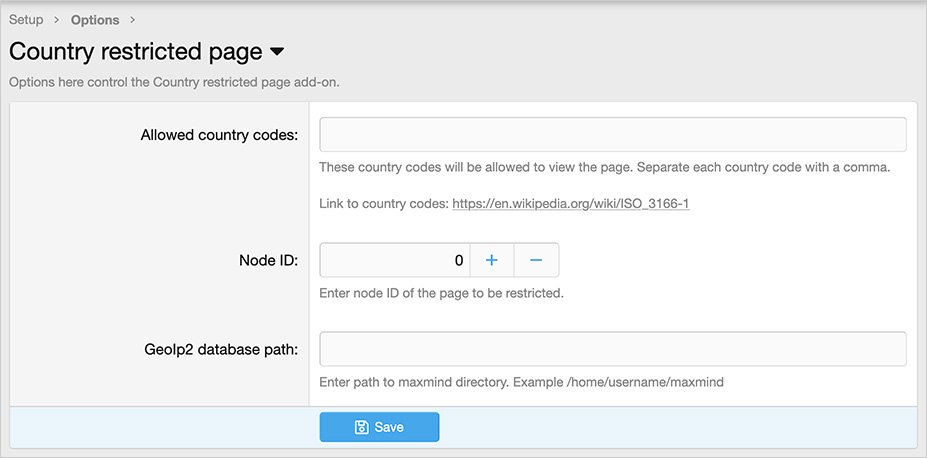
(Example of Options page)
(Example of error message)

Features:
Install the MaxMind updater add-on.
Setup step 2:
Update Options page.
Questions and answers:
Q: How can I get the Node ID?
A: Go to the following location:
Admin control panel -> Forums-> Nodes
Hover over Page title, you will see the Node ID in the URL shown at the bottom of the browser.
Allows page access only to countries specified in options page.
(Example of Options page)
(Example of error message)
Features:
- All phrases start with countryrestrictedpage_ for your convenience.
Install the MaxMind updater add-on.


Setup step 2:
Update Options page.
Questions and answers:
Q: How can I get the Node ID?
A: Go to the following location:
Admin control panel -> Forums-> Nodes
Hover over Page title, you will see the Node ID in the URL shown at the bottom of the browser.


