
- Compatible XF 2.x versions
- 2.3
Description:
Show information about IP address entered.
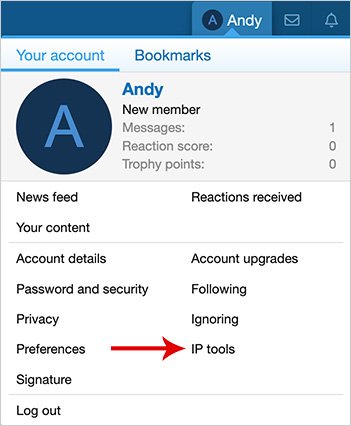
(Example of IP tools link)
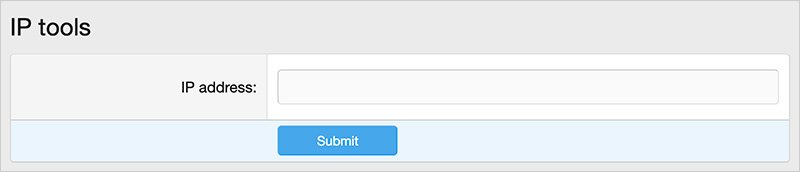
(Example of IP tools input)
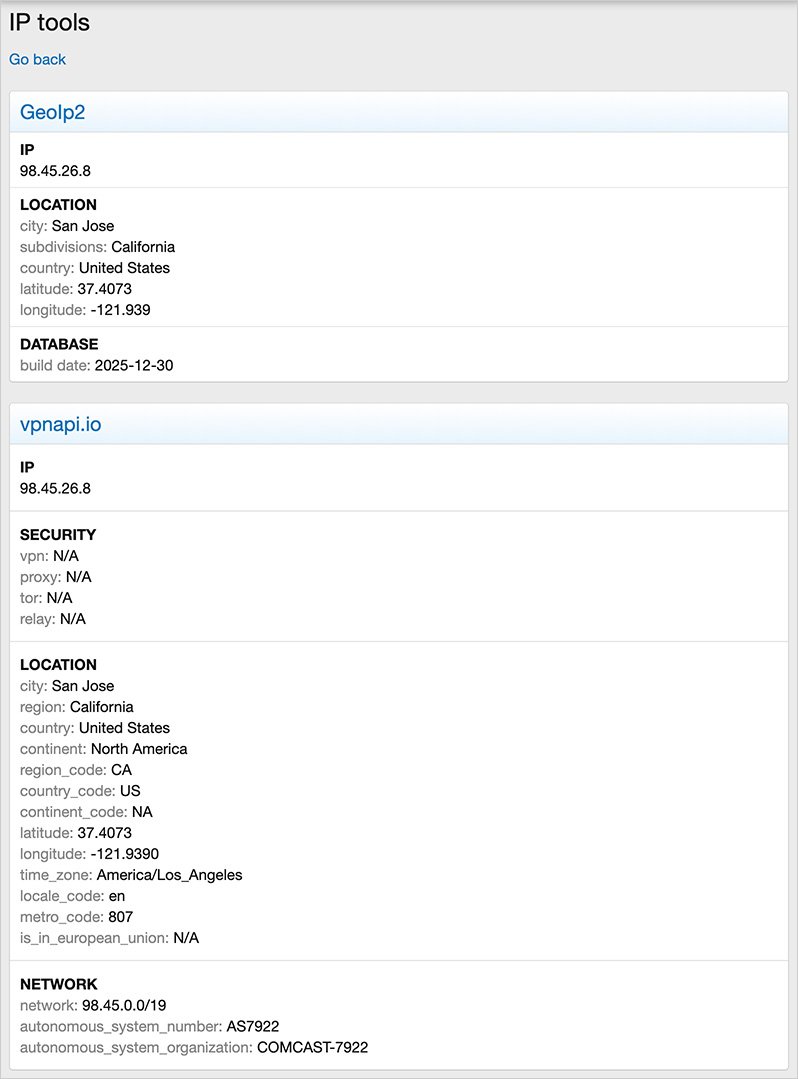
(Example of IP tools results)
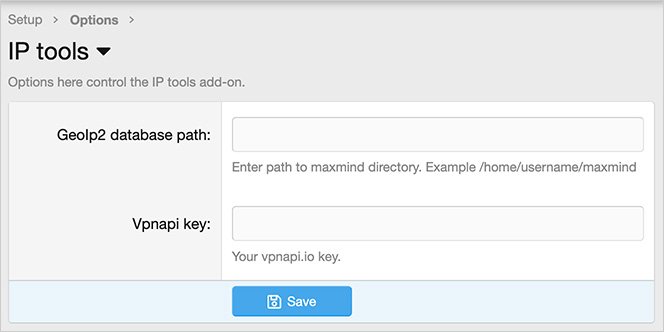
(Example of Options page)
(Example of User group permissions)

Features:
All phrases start with iptools_ for your convenience.
Setup step 1:
Install the MaxMind updater add-on.
Setup step 2:
Update the Options page with your GeoIp2 database path.
Questions and answers:
Q: I'm on XenForo Cloud, what Destination path should I use?
A: Enter the following: internal_data/local/maxmind
Show information about IP address entered.
(Example of IP tools link)
(Example of IP tools input)
(Example of IP tools results)
(Example of Options page)
(Example of User group permissions)
Features:
All phrases start with iptools_ for your convenience.
Setup step 1:
Install the MaxMind updater add-on.


Setup step 2:
Update the Options page with your GeoIp2 database path.
Questions and answers:
Q: I'm on XenForo Cloud, what Destination path should I use?
A: Enter the following: internal_data/local/maxmind


